Online Business Automation: A Practical Starter Guide for 2026
5 min readBilal Ahmed · Full Stack Developer
Learn how to automate online business tasks like leads, email, invoicing and support. Pick the right workflows, choose tools, and measure results safely.
Running an online business means repeating the same small jobs all day: answering the same questions, copying orders into spreadsheets, chasing invoices and sending follow-up emails. Each task looks harmless on its own, but together they eat the hours you need for strategy, product and customers. Online business automation hands those repeatable jobs to software so your team can focus on work that actually needs a human.
This guide walks through a practical, low-risk way to start. You will learn how to find the right tasks, choose tools, build your first workflow and measure whether it is paying off.
Why Online Business Automation Is Trending
Search interest in automation for online businesses has been climbing fast, and the reasons are easy to see. Customers expect quick replies at any hour. Small teams juggle more channels than ever, from email and chat to marketplaces and social media. At the same time, no-code tools and AI assistants have made automation far easier to set up than it was a few years ago. You no longer need a developer to connect a form to a spreadsheet, or to draft a first reply to a support question.
The result is that automation is no longer only for large companies. A solo founder or a five-person agency can now run processes that once needed a dedicated operations team.
Before you buy any tool, spend one week noticing where your time goes. Keep a simple log of every task you repeat, how long it takes and how often it happens. Most owners are surprised by how much time disappears into tiny, predictable chores.
Results-driven Full Stack Developer with over 5 years of experience specializing in Python/Django, React.js, Next.js, and AWS. Proven expertise in building scalable web applications, AI-integrated platforms, and custom ERP systems from concept to deployment. Adept at working in agile environments, managing cloud infrastructure, and delivering end-to-end solutions for diverse industries including e-commerce, finance, and tourism. Strong background in mentoring developers and collaborating with cross-functional teams to optimize performance and drive business growth.
Typical candidates in an online business include:
Capturing new leads from forms and adding them to a CRM or spreadsheet.
Sending welcome emails, order confirmations and follow-up sequences.
Creating invoices and reminding customers about late payments.
Answering frequently asked support questions.
Scheduling social posts and reporting weekly numbers.
Write each task down in one line, along with the tool where it happens today. This simple inventory becomes your automation roadmap.
Pick Workflows Worth Automating
Not every task deserves automation. A good candidate is repetitive, rule-based and frequent, and a mistake would be cheap to fix. A poor candidate is rare, emotional or high-stakes, such as negotiating a refund with an upset customer or approving a large contract.
A quick way to score your list is to ask three questions for each task:
Does it follow the same steps almost every time?
Does it happen at least several times a week?
Would a wrong result be easy to spot and correct?
If the answer is yes to all three, the task is a strong first target. Start with the one that saves the most time for the least risk.
Choose the Right Tools
The tool landscape can feel overwhelming, but most online businesses only need a few categories. Think in terms of jobs rather than brand names.
Workflow connectors
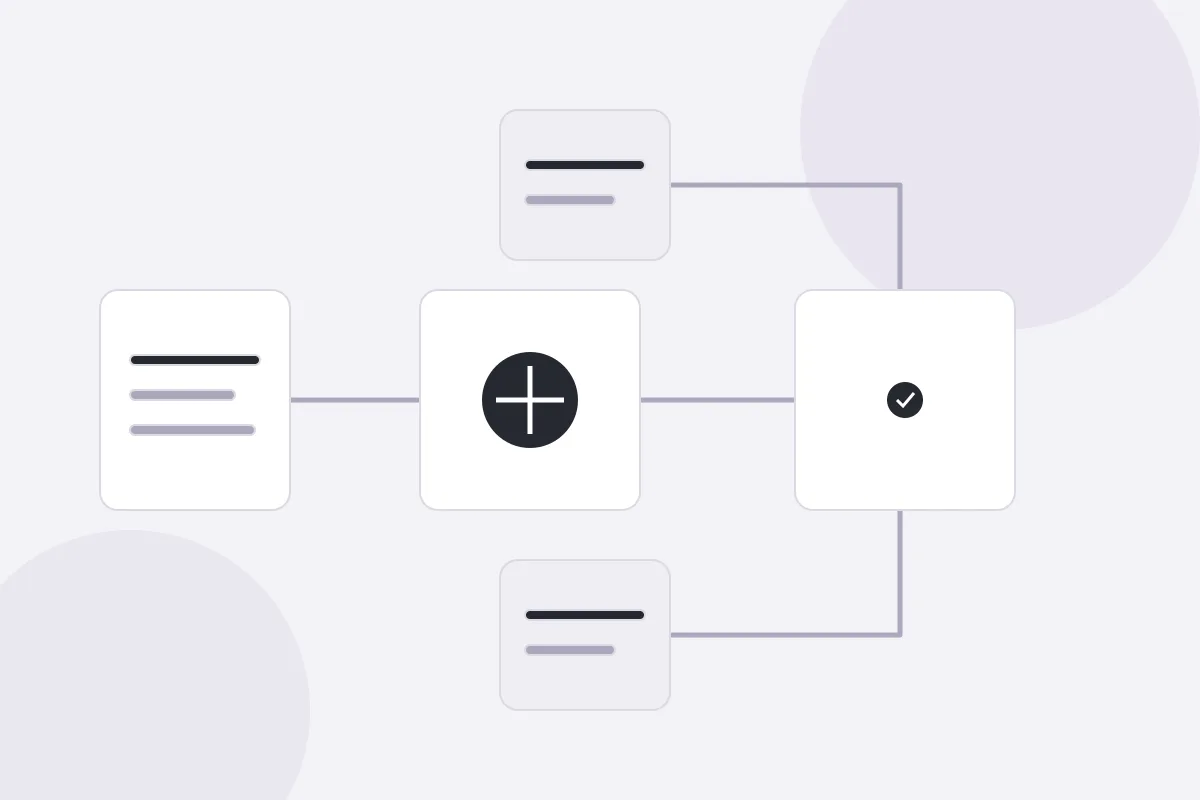
Connector platforms link your apps together with simple triggers and actions. For example, when a customer submits a form, the tool adds them to your email list, creates a task and posts a message to your team chat. These are usually the best first step because they work with software you already use.
AI assistants and chatbots
AI tools can draft replies, summarize long messages, tag incoming requests and answer common questions from your help documents. They are powerful, but they work best with a human reviewing the output at first. Treat them as a fast junior assistant, not an unsupervised decision maker.
Built-in automations
Many email platforms, store builders and accounting apps already include their own automation features. Check these before adding anything new. Fewer tools mean fewer logins, fewer bills and fewer things that can break.
Build Your First Automation in Five Steps
Keep your first project small enough to finish in an afternoon. A lead follow-up workflow is a good example.
Define the trigger. Decide what starts the workflow, such as a new form submission.
List the actions. Write the steps in order: save the contact, send a welcome email, notify your team.
Build and test. Create the workflow and run it with a test entry before real customers touch it.
Add a safety net. Set an alert for failures so a broken step does not go unnoticed for days.
Review after two weeks. Check the results, fix rough edges and only then move on to the next workflow.
Document each workflow in a short note that says what it does, which tools it touches and who owns it. When something changes later, you will be glad the note exists.
Automation is only valuable if it improves something you can measure. Pick two or three simple numbers before you launch and compare them afterwards. Useful options include hours saved per week, response time to new leads, error rate and customer satisfaction.
Equally important, decide where a person must stay involved. Customer complaints, pricing exceptions, legal questions and anything involving sensitive data should reach a human quickly. A good rule is to automate the routine path and route the unusual cases to your team with all the context attached.
Also respect privacy. If your workflows handle customer data, make sure you know where that data is stored, who can access it and what your tools do with it. Choose providers that explain their data practices clearly, and collect only what you truly need.
Common Mistakes to Avoid
Most failures come from a short list of habits that are easy to fix once you know them.
 Bilal Ahmed · Full Stack Developer