AzeemLab Insights
Responsive Web Design Basics: A Complete Beginner's Guide
Responsive web design lets one website adapt to different screen sizes. Flexible layouts, appropriately sized images and content-driven breakpoints keep the same information usable on phones, tablets and desktop screens.
Practical guidance for business owners and teams · Maintained when the article is materially updated.
Primary question
responsive web design basics
Best next step
See Our Responsive Web Design Services
Article details
| Topic | responsive web design basics · responsive web design definition · responsive web design guide |
|---|---|
| Audience | Business owners, marketing teams and product decision-makers |
| Published | |
| Editorial note | Updated only when the guidance or sources materially change |
01
Start with the customer’s main task
List what visitors need to do: understand your service, view your work, request a quote or buy a product. On a phone, the primary task should remain easy to find without relying on hover interactions. Move supporting detail below the main action rather than hiding important information from mobile users.
02
Use layouts that can expand and wrap
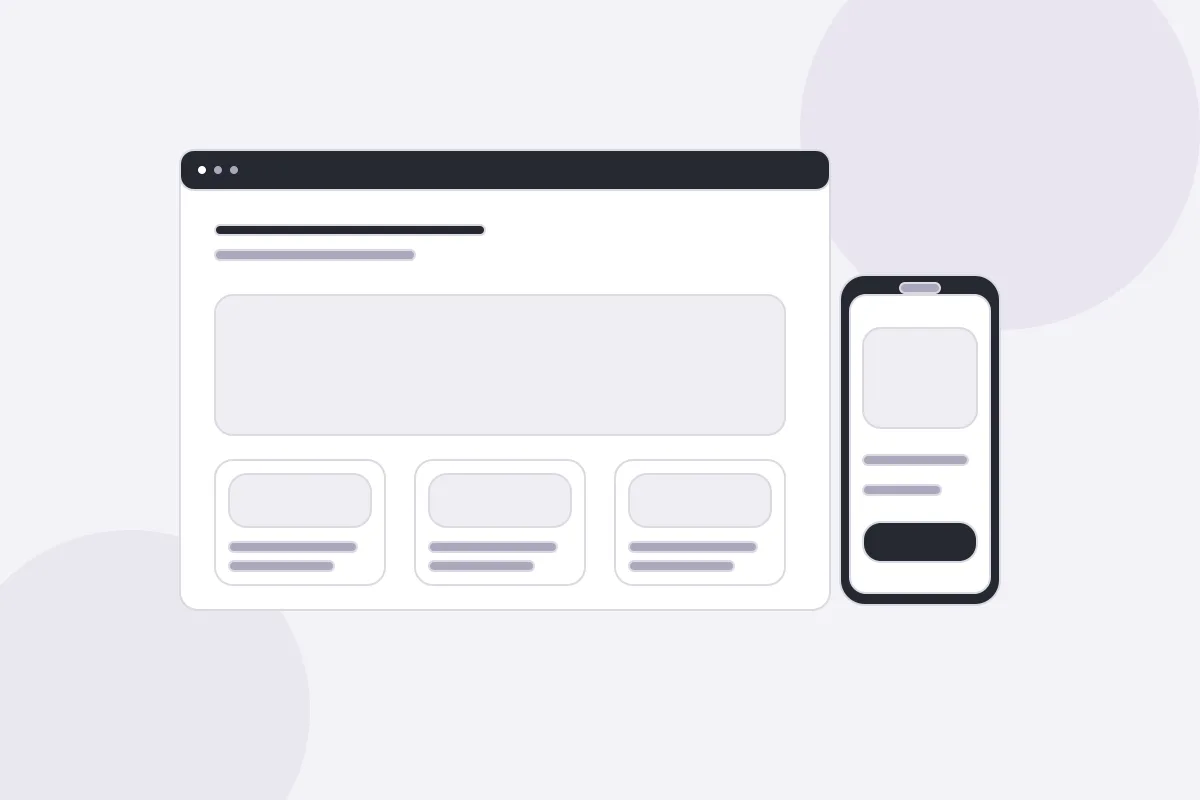
CSS Grid and Flexbox let columns respond to available space. A service grid might show one card per row on a narrow screen and three on a desktop. Avoid fixed widths that force horizontal scrolling. Choose breakpoints when the content stops fitting comfortably, rather than assuming every visitor uses a particular device model.
03
Keep images and text flexible
Images should fit their container while preserving their aspect ratio. Provide image dimensions to reserve space, and send appropriately sized files for the display area. Use readable text and comfortable line spacing. Check long email addresses, navigation labels and headings because they often reveal overflow that shorter placeholder text hides.
04
Test the complete enquiry journey
Test the menu, service links, form labels, validation messages and confirmation state with a keyboard and a phone-sized viewport. A responsive screenshot is only one check: a visitor must also be able to complete the task. Record where people hesitate, then improve that step before adding more decoration.